Check in a walk-in at the desk
Add someone who turns up without a booking to the class and check them in.
Open Check in in the sidebar.
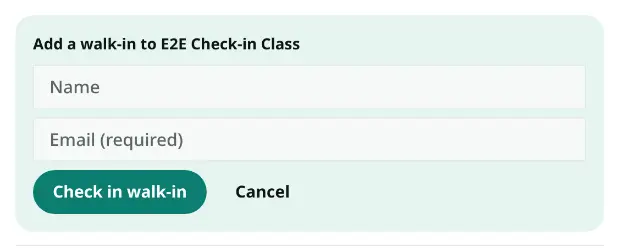
Choose Add a walk-in at the top right.
Enter the person's name and email. Both are needed.
Choose Check in walk-in.
If the class is full, Thryve asks before adding the walk-in over capacity.
This adds the person without taking a payment. To let walk-ins pay on their own phone, turn on walk-in payments and put up your walk-in poster.