Check people in to your class
Mark who came to your class from your phone or laptop.
Open Check in in the sidebar, or choose Open check-in on Home.
Under Today, choose your class.
Tap a person's name to check them in.
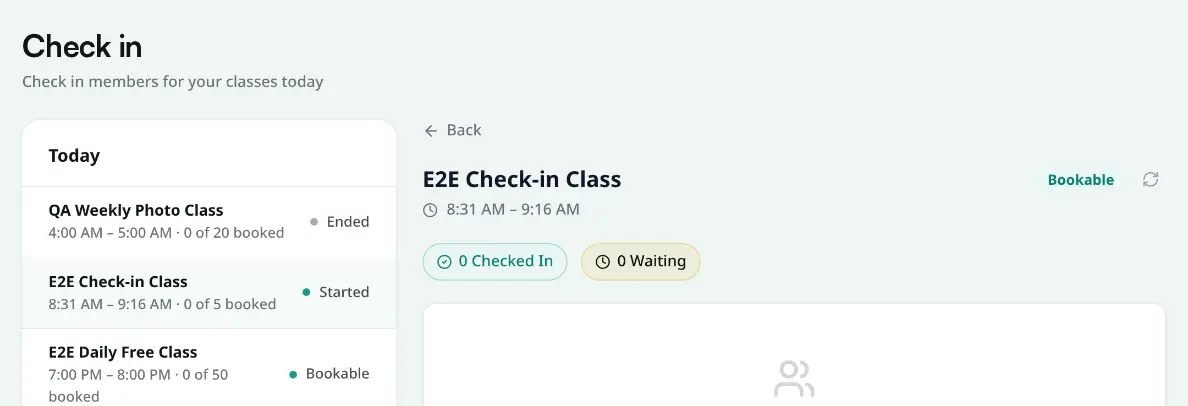
Check-in opens 1 hour before class and closes when it ends. Until then you'll see "Check-in hasn't opened yet for this class".