Your schedule
See the classes studios have given you and add them to your own calendar.
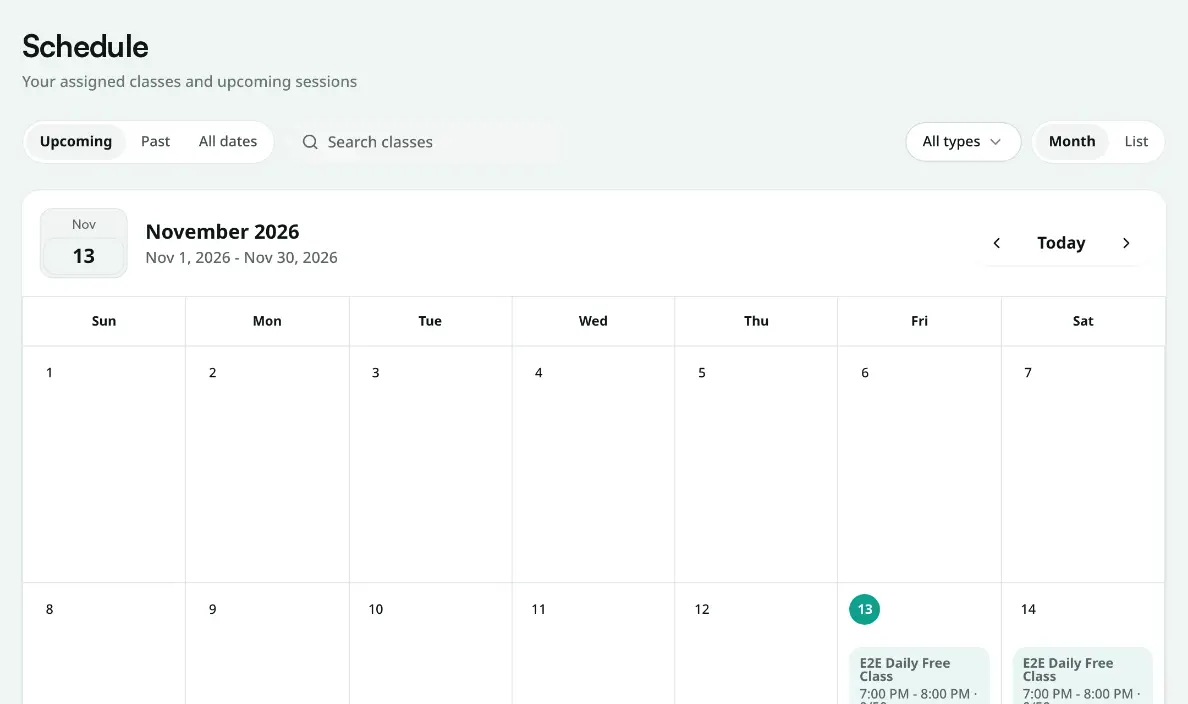
Open Schedule in the sidebar.
Choose Upcoming, Past or All dates, and switch between Month and List.
To see your classes in Google Calendar or Apple Calendar, choose Generate calendar feed under Calendar feed and subscribe to the address it gives you.

The calendar feed keeps your phone calendar up to date.
Studios assign classes to you. Ask the studio to change a class time or move a class to someone else.
Keep the feed address private: anyone with it can see your schedule.