Your profile page
Set up the public page members see when they look you up.
Open Profile in the sidebar.
Choose Edit profile to add a photo, your display name, a bio and your specialties.
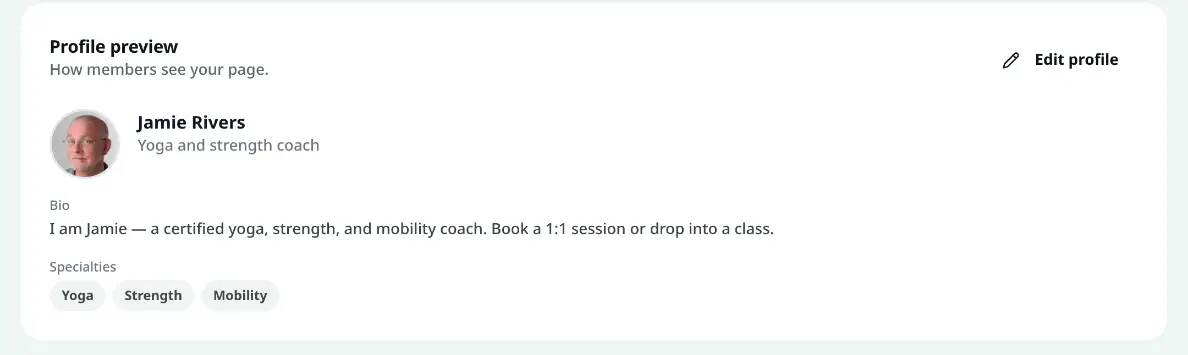
The preview shows your page as members see it. Under Storefront URL, choose the URL Slug for your page address.
Under Visibility, switch your page to Published.
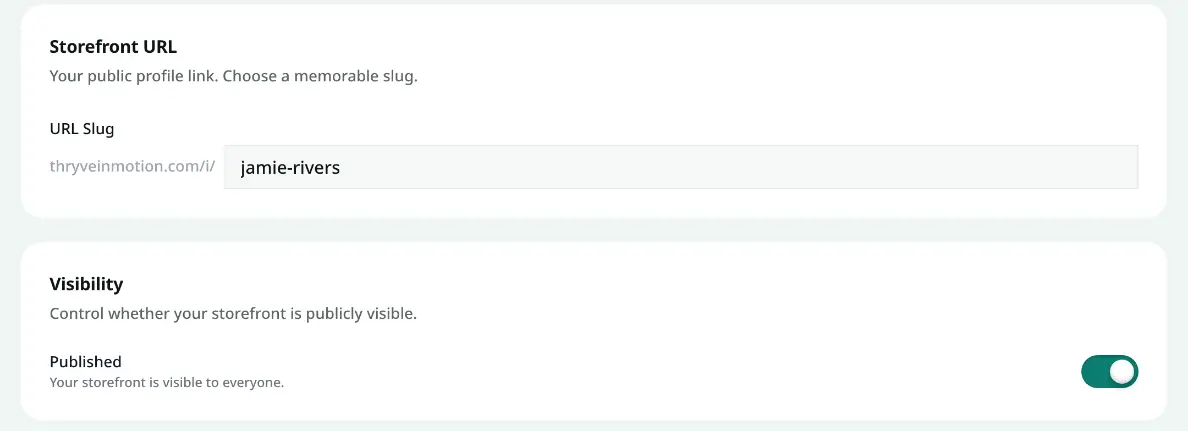
Pick your address and publish your page. Choose Save changes.
To publish, your profile needs a photo, a display name, a bio of at least 50 characters and one specialty. Your page shows your upcoming classes, and members can book them from there.